How to Use a GPA Calculator Correctly
 Katherine AlexJanuary 20, 2026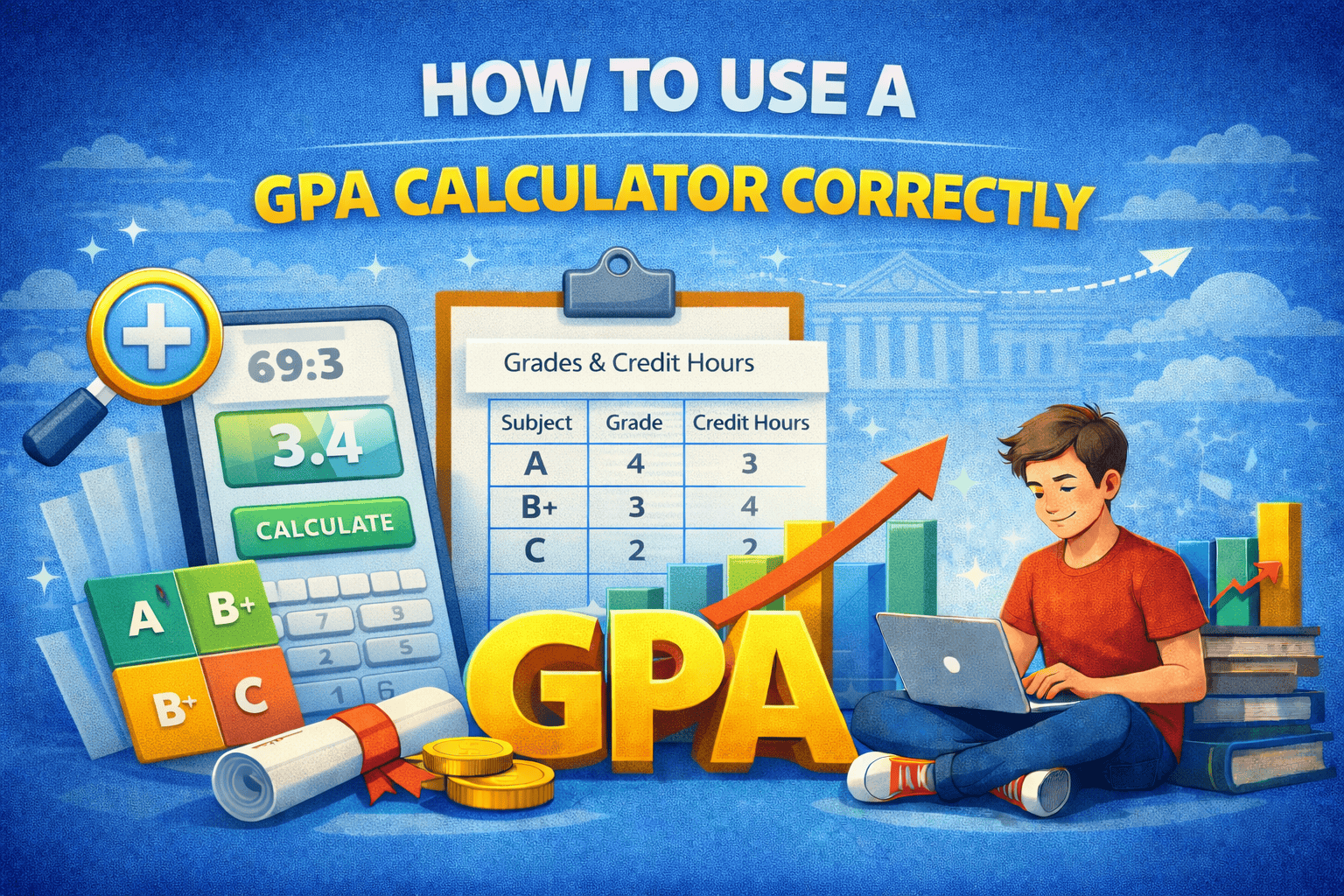
A GPA calculator is an online tool that helps students find their Grade Point Average quickly. Instead of doing math by hand, you enter your grades and credit hours, and the calculator gives your GPA in seconds. This saves time and reduces confusion, especially for beginners.
Many students feel stressed about GPA because they are not sure how it is calculated. A GPA calculator makes things simple. It turns grades into numbers and gives one clear result. When used correctly, a GPA calculator is a helpful tool for students at all levels.
Why Students Use GPA Calculators
Students use GPA calculators to check their academic performance without stress. These tools are helpful after exams, during a semester, or before applying for scholarships and admissions. They help students understand where they stand and what they need to improve.
Another reason students use GPA calculators is accuracy. Manual calculation can lead to mistakes, especially when credit hours are involved. A calculator reduces errors and gives quick results. This makes it easier for students to plan their studies and set goals.
Information Needed Before Using It
Before using a GPA calculator, you need some basic information. First, you need your grades for each subject. These grades are usually letters like A, B, or C. Second, you need the credit hours for each subject, which show how important a subject is.
Having correct information is very important. If you enter wrong grades or credit hours, the GPA result will also be wrong. Always check your result card or syllabus before using a GPA calculator. Good input gives correct output.
Understanding Grades and Credit Hours
Grades and credit hours are the main parts of GPA calculation. Grades show how well you performed in a subject, while credit hours show how much weight that subject has. A subject with more credit hours affects GPA more than a subject with fewer credit hours.
Understanding this helps you use a GPA calculator correctly. When you know which subjects have higher credit hours, you can see why some grades change GPA more than others. This knowledge also helps students focus more on important subjects.
How to Enter Data Correctly
Entering correct data is the most important step when using a GPA calculator. You should always enter the exact grade you received in each subject. Do not guess or change grades, even if the result looks low. GPA calculators only work well when the input is correct.
Credit hours must also be entered carefully. Each subject has different credit hours, and missing even one can change your GPA. Always double-check your entries before clicking the calculate button. Taking one extra minute can save you from wrong results.
Step-by-Step Calculator Use
Using a GPA calculator is easy if you follow simple steps. First, open the GPA calculator page. Next, enter your subjects one by one. Add the grade and credit hours for each subject in the correct fields.
After entering all subjects, review your data to make sure everything is correct. Then click the calculate button. The calculator will show your GPA instantly. Following these steps slowly helps beginners avoid mistakes and understand the process better.
Common GPA Calculator Errors
Many students make small mistakes while using GPA calculators. One common error is selecting the wrong grading scale. Some calculators allow different scales, so always choose the one your school uses.
Another mistake is forgetting to add all subjects. Some students also enter total marks instead of grades, which gives wrong results. Being careful and reading instructions on the calculator page helps avoid these errors.
Tips for Accurate GPA Results
To get accurate GPA results, always use a trusted GPA calculator. Make sure the calculator supports your grading system. Enter data carefully and review everything before calculating.
It is also a good idea to calculate GPA more than once to check accuracy. Understanding how GPA works helps you notice mistakes easily. When used correctly, a GPA calculator is a powerful and reliable tool.
Conclusion:
Using a GPA calculator correctly makes GPA calculation simple and stress-free. By entering correct grades and credit hours, students can get accurate results in seconds. GPA calculators help students track progress, plan studies, and feel confident about their academic performance.
FAQs:
What is a GPA calculator used for?
It is used to calculate GPA quickly and easily.
Can GPA calculators be wrong?
They give wrong results only if wrong data is entered.
Do I need credit hours for GPA calculators?
Yes, most calculators need credit hours for accurate results.
Should I trust online GPA calculators?
Yes, if you use a reliable one and enter correct data.
Katherine AlexJanuary 20, 2026